Back to blog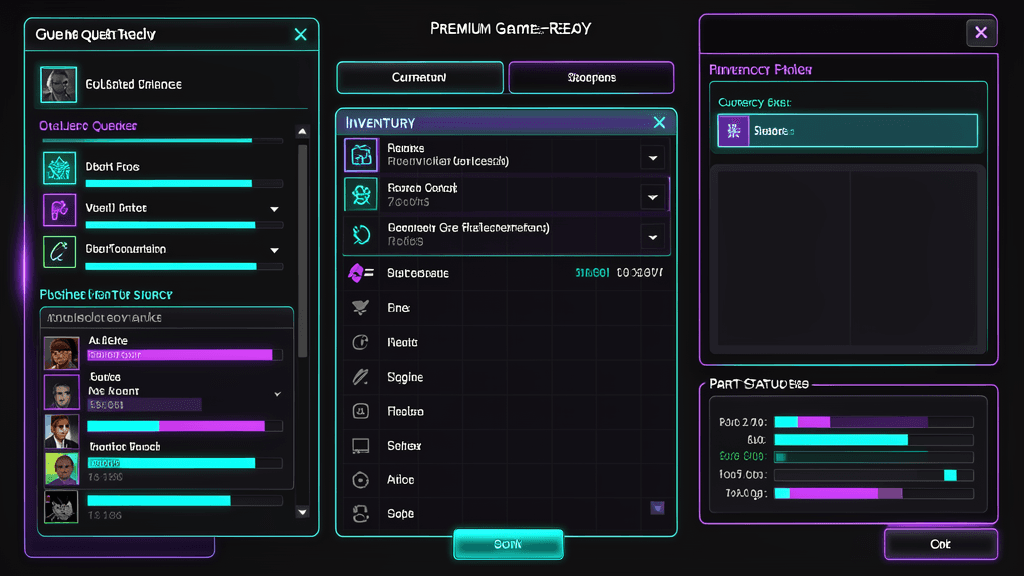
Workflow
Writing UI Prompts That Survive Export
A good prompt names layout, state, density, and engine constraints before it names vibes.
HUDForge Team4 min read
Start with the player action
Inventory, shop, quest, and faction screens each have a different job. Begin by naming the job so every visual choice supports the interaction.
Specify interface anatomy
List the modules you expect: header, counters, tabs, cards, empty states, buttons, and reward chips. This keeps generated concepts closer to buildable UI.
Keep export in mind
Ask for clean modular surfaces, transparent PNG styling, and readable state separation. The goal is not only a beautiful image; it is a usable Roblox workflow.